How to Use Ibotta with Kroger: Link Your Loyalty Card and Earn Cash Back
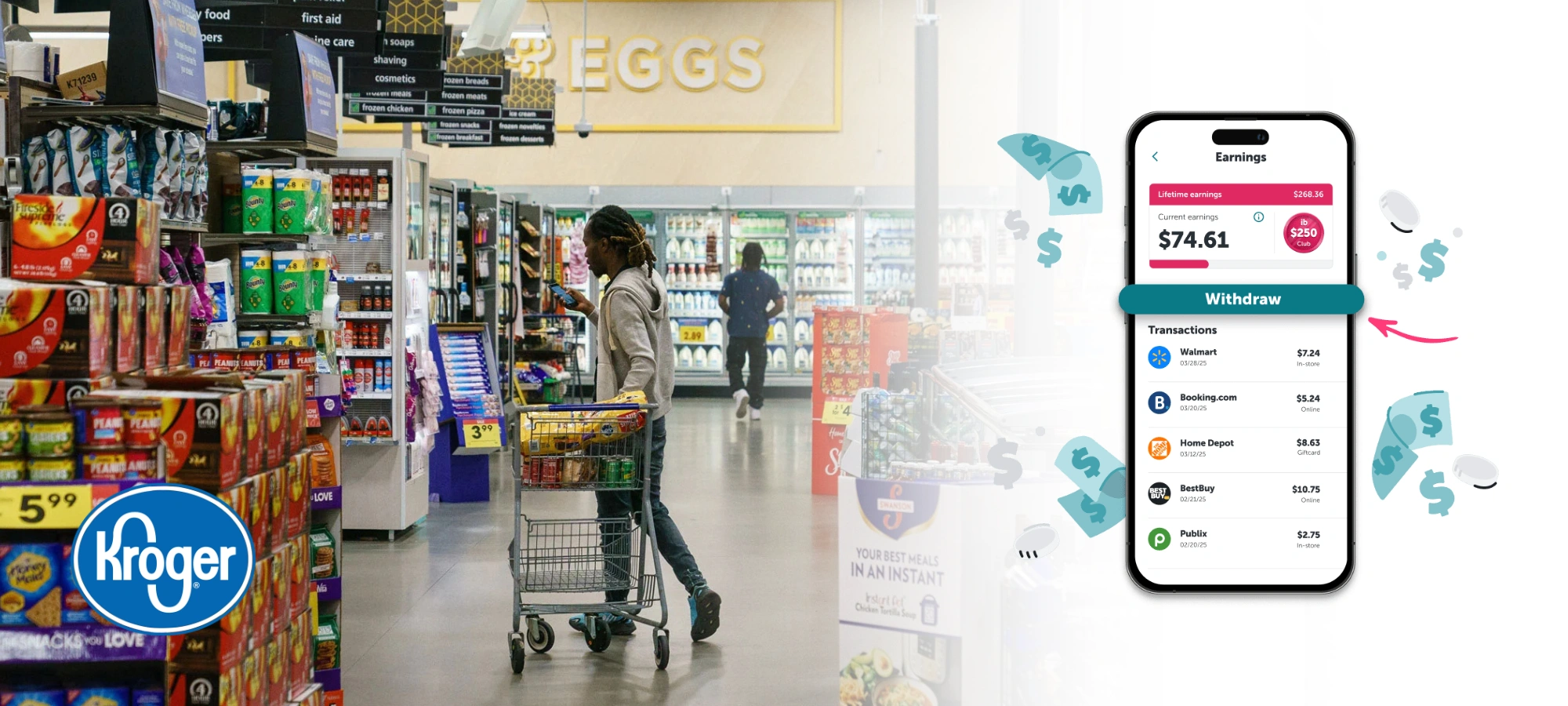
Ibotta is a cash-back app that pays you for buying specific products. Kroger is one of its retail partners: link your Kroger loyalty account in the app and eligible in-store purchases are matched to your offers automatically, without photographing a receipt.
Can you use Ibotta at Kroger?
Yes. Ibotta lists Kroger as a retailer, and you can connect your Kroger loyalty account so Ibotta receives an electronic copy of your receipt and reviews it for cash back automatically. In-store, scan your loyalty card or enter the phone number tied to your account at checkout.
How to earn cash back at Kroger with Ibotta
- Download Ibotta from the App Store or Google Play and create an account.
- Find Kroger by searching the retailer on the app’s Home page. If you see Link account at the top of the Kroger page, tap it and sign in with your Kroger account details. If you don’t have a Kroger account yet, tap Create Kroger Account from the same screen, then come back to Ibotta and sign in.
- Add offers before you shop. Browse the Kroger offers and add the products you plan to buy to your list. Offers added after the purchase usually will not count.
- Buy the exact product. Size, variety and quantity must match the offer details.
- Use your Kroger loyalty account at checkout by scanning your card or entering the phone number tied to it, so the purchase can be matched.
- Collect your cash back. After Ibotta matches the purchase, the cash back appears in your Ibotta account. You can withdraw once you reach Ibotta’s minimum; check the app for the current amount and payout options.
Tips to get credited
- Add every offer before the shopping trip and check the offer’s terms.
- Always use your loyalty card or phone number at checkout, or the purchase cannot be matched.
- Keep your receipt until the cash back posts, in case you need to contact Ibotta support.
- Ibotta says loyalty linking for in-store purchases and for grocery pickup and delivery depends on the retailer. Check the Kroger page in the app to see what applies, and read each offer’s terms.
If a purchase does not credit
Check that the offer was added before you bought, that the product and size match, and that your Kroger account is still linked. If it still does not appear, contact Ibotta support from the app with a photo of your receipt.
Combine it with Kroger savings
Ibotta is separate from Kroger’s own digital coupons and fuel points, and offers can often be used alongside them, subject to each offer’s terms. See the current Kroger weekly ad for sales and our guide to Kroger fuel points.
Ibotta changes its offers and rules regularly. The Ibotta app and its help center are the final authority on what qualifies.
Ibotta is not the only app that pays for receipts. Fetch Rewards works differently, since you scan the paper receipt after you shop, and we explain how it fits with Kroger in our Fetch guide.