Kroger W-2 Form: How current Employees Can Access It
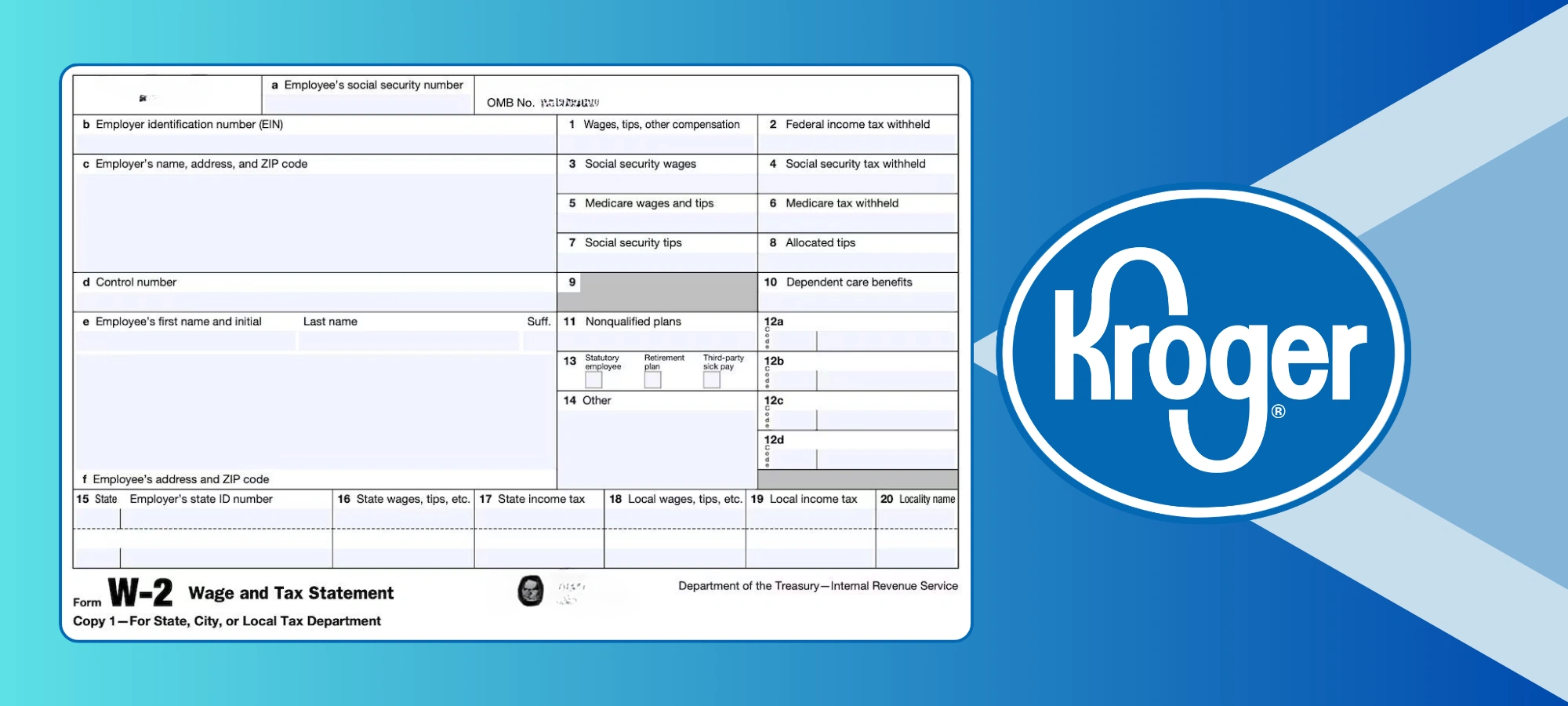
Quick Answer: How to get your Kroger W-2 as a current employee
Current Kroger employees can access their W-2 in three ways: (1) Log in to ess.kroger.com with your EUID and password → the W-2 or tax forms section. (2) Visit mytaxform.com and enter Kroger employer code 10575. (3) Open the FEED app → the pay or tax forms section. Kroger is required by law to make your W-2 available by January 31 each year. If you opted for paperless delivery, your W-2 is available online before the mailed version. If you have not received it by mid-February, ask your store manager or HR, or contact Kroger's HR Express (ExpressHR) support.
- What your Kroger W-2 form contains
- When Kroger releases W-2s and key deadlines
- Method 1: ESS portal at ess.kroger.com
- Method 2: MyTaxForm.com (the employer code commonly reported as 10575 (confirm it on the MyTaxForm page))
- Method 3: FEED mobile app
- How to enroll in paperless W-2 delivery
- Understanding the boxes on your Kroger W-2
- Troubleshooting: W-2 not showing, login errors, wrong address
- What to do if your W-2 has errors
- What if your W-2 never arrives?
- Frequently asked questions
Tax season means one thing for Kroger employees: tracking down your W-2 before the filing deadline. If you've worked at Kroger during the previous calendar year — full-time, part-time, seasonal, or even just a few weeks — you're entitled to a W-2 form, and Kroger is legally required to get it to you by January 31.
The problem most employees run into isn't that the form doesn't exist. It's that Kroger has multiple portals, a somewhat confusing login system, and a paperless enrollment process that trips people up if they didn't set it up before the cutoff. This guide walks you through every access method step by step, explains what to do when things go wrong, and makes sure you're not scrambling the night before your tax appointment.
Already left Kroger? This guide is specifically for current employees. If you no longer work at Kroger, see our separate guide on how former Kroger employees can access their W-2 form — the process is meaningfully different and involves different portals.
What Your Kroger W-2 Form Contains
Your W-2 (officially called the Wage and Tax Statement) is the single most important document you'll receive from Kroger each year. It reports everything the IRS needs to verify your income and tax withholding. Before you can file your federal or state tax return, you need this form — there's no substitute.
Here's what Kroger reports on your W-2:
When Kroger Releases W-2s and Key Deadlines to Know
Timing matters here, especially if you're waiting on your W-2 to file early and get your refund faster. Here's how the Kroger W-2 calendar typically works:
| Date | What happens | Action for you |
|---|---|---|
| Early January | Last chance to update your paperless W-2 preferences before forms are processed | Log into ESS and confirm your delivery preference |
| Mid-to-late January | Paperless W-2s typically become available in MyTaxForm.com — often before Jan 31 | Log in to MyTaxForm.com to check availability |
| January 31 | IRS-mandated W-2 deadline — Kroger must have your W-2 available or postmarked by this date | If nothing received or visible online, start troubleshooting |
| Mid-February | Reasonable buffer for mailed W-2s to arrive given postal delays | If still nothing, call the HR Express support number (ask your manager or HR) immediately |
| April 15 | Federal tax filing deadline (or next business day if it falls on a weekend) | File or request an extension — don't skip filing because of a missing W-2 |
Method 1: ESS Portal at ess.kroger.com (Recommended)
The Kroger ESS portal is the primary way current employees access all HR and payroll information — including W-2s. This is the same portal you use to check your pay stubs and manage your employment details. It uses Kroger's Single Sign-On (SSO) system, so one set of credentials gets you in.
ess.kroger.com. This is the Kroger Express HR login page. Do not use search results to find this page — type the URL directly to avoid phishing sites.My HR or Pay & Taxes section in the main menu. The exact label may vary depending on your role and region, but W-2 access is always under the tax or payroll section.View or Download to access your W-2 as a PDF. Save it locally — you will need it to file your taxes and Kroger does not guarantee permanent digital access.ess.kroger.com, myinfo.kroger.com, sso.kroger.com, or simply "MyInfo." These all funnel through the same Single Sign-On login. If one URL redirects, try another — the credentials are the same.
Method 2: MyTaxForm.com — the employer code commonly reported as 10575 (confirm it on the MyTaxForm page)
MyTaxForm.com is run by Equifax Workforce Solutions and is the dedicated tax document platform that Kroger uses for W-2 delivery. This is the most reliable backup method if the ESS portal is giving you trouble, and it works on any device. Many employees prefer it during tax season because it's purpose-built for document retrieval and is less likely to be overloaded than the general HR portal.
www.mytaxform.com in your browser. This is Equifax's official tax document management portal — it is a legitimate third-party service that Kroger contracts for W-2 distribution.10575 — this is Kroger's official employer code on the MyTaxForm platform. Click Login or Continue.Register Now and complete setup using your Kroger employee ID and the last four digits of your SSN as your default PIN. Follow the prompts to set security questions and confirm your contact details.View or Download, and save the PDF to your device. You can print it directly from the site or upload it to your tax software.My Account settings, you can select Receive Forms Online to enroll in paperless delivery for future years. Do this before early January of next year to ensure you get online access before the mailed version.Method 3: FEED Mobile App
The FEED app is Kroger's official mobile employee app — the same one you use to check your MyTime schedule on your phone. It also gives you direct access to payroll documents including your W-2, making it convenient if you're not near a computer during tax season.
My Info section from the bottom menu. Select Pay, then look for Tax Documents or W-2. The exact menu path may vary slightly by app version.Which Access Method Should You Use?
All three methods pull from the same Kroger W-2 data. Here's a quick guide on which one fits your situation best:
ESS Portal — ess.kroger.com
Use this if you're at a computer and want to manage your full HR profile at the same time. Best option for first-time access since it also lets you update your address and verify your account details.
Full ESS login guide →MyTaxForm.com
Use this if the ESS portal is down, you're having login issues, or you need to access multiple years of W-2s quickly. The dedicated tax platform is faster and less prone to congestion during tax season. Employer code: 10575.
FEED App
Use this if you're on your phone and need your W-2 fast. Same credentials as ESS. Good for sending the PDF directly to a tax preparer from your phone without printing anything.
How to Enroll in Paperless W-2 Delivery (And Why You Should)
By default, Kroger mails a physical W-2 to the address on file in your employee record. While this works, it creates a window of risk: addresses change, mail gets lost, and paper copies can arrive late. Enrolling in paperless delivery means your W-2 appears in MyTaxForm.com typically 1–2 weeks before the mailed version would arrive — and it never gets lost in transit.
How to enroll in paperless on ESS portal:
W-2 Preferences or Tax Delivery Settings option under your profile or HR settings. Some regions show this under My HR → Tax Information → Delivery Preferences.My Account → Receive Forms Online. Both methods achieve the same result.Understanding the Key Boxes on Your Kroger W-2
Most employees focus on Box 1 and Box 2 and ignore everything else. That's usually fine for simple returns, but understanding what each box means helps you catch errors and make sure your tax software is filing correctly.
| Box | Label | What it means for you |
|---|---|---|
| 1 | Wages, tips, other compensation | This goes directly on your Form 1040 as taxable income. Lower than gross pay because pre-tax deductions reduce it. |
| 2 | Federal income tax withheld | How much Kroger withheld for federal taxes. If this exceeds your actual tax liability, you get a refund. |
| 3 | Social Security wages | Can be higher than Box 1 because SS tax applies before some deductions. Capped at $176,100 for 2025 (the 2026 cap is $184,500). |
| 12a (Code D) | 401(k) contributions | Your pre-tax contributions to Kroger's retirement plan. Not taxable now, but you'll pay tax on withdrawals in retirement. |
| 12a (Code W) | HSA contributions | Health Savings Account contributions made by you and Kroger. These are tax-free. |
| 14 | Other deductions | Union dues, state disability insurance, or other deductions. Kroger may list union dues here for UFCW members. |
| 15–17 | State tax information | Your state employer ID (some states use a placeholder like 99999999), state wages, and state income tax withheld. |
99999999XYZ in Box 15. This is a known Kroger payroll quirk and is accepted by most tax software. Your state tax return will still process correctly. If your software flags it, enter the placeholder as provided or leave the field blank and file manually for that line.
Troubleshooting: Common W-2 Problems and How to Fix Them
These are the issues that come up most often for Kroger employees during tax season, based on real employee experiences and HR support cases.
mytaxform.com with employer code 10575 — that platform has its own credentials separate from SSO.
mytaxform.com immediately — it typically renders PDFs more reliably.
Me → Contact Info at myinfo.kroger.com. Then contact HR Express at the HR Express support number (ask your manager or HR) to request a reissue to your updated address. You can also set up USPS mail forwarding as a short-term fix while waiting for the reissue. Going forward, enroll in paperless delivery so address changes don't affect W-2 receipt.
mytaxform.com with employer code 10575 and check if your form is available. The key difference is that you may not get early access — your form appears on the platform around the same time the mailed version would arrive.
Register Now on the MyTaxForm.com login page. You'll need: Kroger employer code 10575, your Kroger employee ID, and the last four digits of your Social Security Number (this is your default PIN). Complete the security question setup and confirm your email. If the registration process rejects your employee ID, call HR Express at the HR Express support number (ask your manager or HR) — there may be a data mismatch in the system.
ess.kroger.com or MyTaxForm.com with employer code 10575. Your credentials are the same EUID system.
What to Do If Your Kroger W-2 Has Errors
Errors on W-2s are rare but they do happen — a wrong Social Security Number, an incorrect name spelling, or a wage total that doesn't match your pay stubs. Do not file your taxes using an incorrect W-2. Here's the correct process:
What If Your W-2 Never Arrives at All?
If it's past mid-February and you have no W-2 from Kroger — not in the portal, not in your mailbox — you have a clear escalation path. Do not wait until April and do not file without it.
Step-by-step escalation if your W-2 is missing
Step 1 — Check all three portals first. Log into ess.kroger.com, mytaxform.com (code 10575), and the FEED app. If your form is available digitally, you don't need to take further action — just download it.
Step 2 — Verify your address in ESS. Go to myinfo.kroger.com → Me → Contact Info. Confirm your mailing address is current. If it was wrong, update it and call HR Express to request a reissue.
Step 3 — Call Kroger HR Express: the HR Express support number (ask your manager or HR). Open Monday–Friday 7am–midnight EST, Saturday–Sunday 7am–9:30pm EST. Request a W-2 reprint and ask them to confirm it was processed for your Social Security Number. Note the date, time, and representative name.
Step 4 — Contact the IRS if Kroger doesn't resolve it. If you've called Kroger and it's still not resolved by early March, contact the IRS at 1-800-829-1040. The IRS can contact Kroger directly on your behalf and compel them to issue your W-2. You'll need your employer's name, address, and EIN (Kroger's federal EIN is listed on any previous W-2 or pay stub).
Step 5 — File using Form 4852 if absolutely necessary. If the tax deadline is imminent and you still have no W-2, the IRS allows you to substitute IRS Form 4852. You estimate your wages and withholding based on your last pay stub of the year. This is a last resort — if your W-2 arrives after you file, you'll need to amend your return.
Frequently Asked Questions About Kroger W-2s
📚 More Kroger Employee Resources on KrogerFan
You can access your W-2 online through Kroger’s official Employee Self Service portal.
For security reasons, it is best to access your W-2 from a personal device and a secure internet connection.

Marina
Founder, KrogerFan.com,
Marina founded KrogerFan after nearly ten years working inside Kroger stores. Her experience on both sides of the checkout counter shapes the site’s original voice and practical focus. Marina continues to guide coverage priorities and contributes to major features, savings guides, and retailer explainers.